United Fiber customers affected by outages
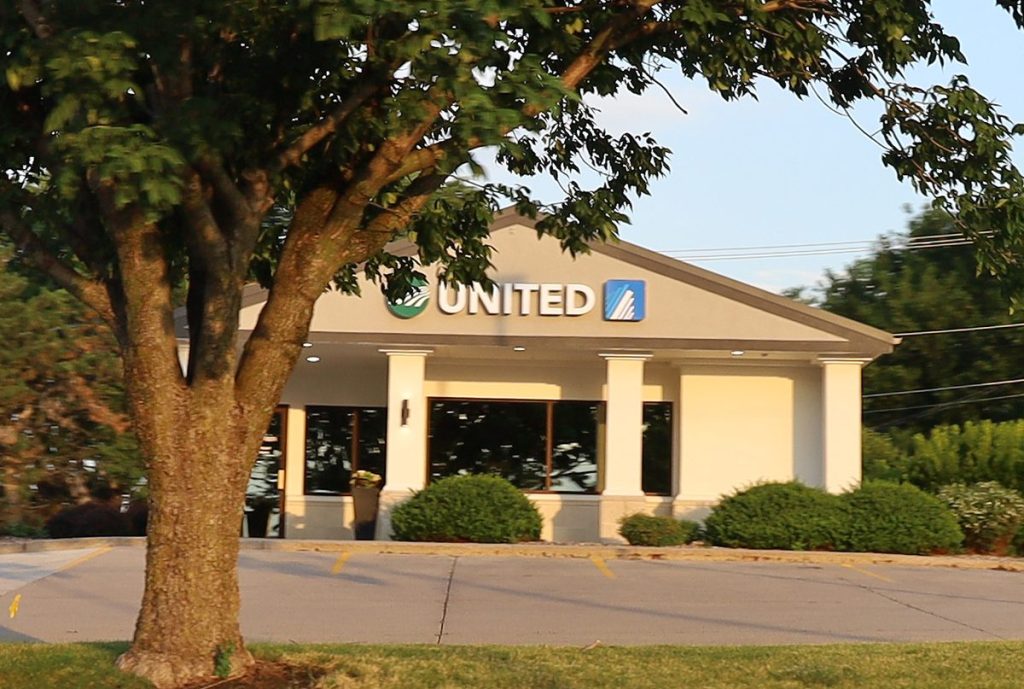
FORUM FILE PHOTO
United new building (copy) (copy)
MARYVILLE, Mo. — United Fiber continues to work on network issues that affecting thousands of customers across the region.
A lightning strike during a severe storm last week caused issues throughout the network, especially in the “northern ring” of United Fiber’s network, which includes Nodaway County, said Darren Farnan, United Fiber’s chief operating officer. Since the storm, customers had problems renewing their IP addresses, meaning they couldn’t reconnect to the network.
Each device, like a router, connected to a network is assigned an IP address. In simple terms, IP addresses are a bit like home addresses that tell the post office where to send mail. Like a mailing address, an IP address tells a router or a server where to send packets of information on the network. Except while a mailing address is static — a house is assigned an address once and it doesn’t change — an IP address is assigned using dynamic host configuration protocol (DHCP), meaning that each device that connects to the network is dynamically assigned an IP address that may change.
Routers connected to the United Fiber network are set to renew those addresses every seven days, Farnan said. After last week’s storm, it started to become clear that customers’ routers weren’t able to renew their DHCP leases automatically and were having trouble reconnecting to the network.
“A typical fiber outage is pretty straightforward, right? Fiber gets cut, you know exactly how many people are behind it, you get it back on and you’re done,” Farnan told The Forum over the phone on Wednesday. “Whereas this, a lot of people wanted to know, ‘Well, why is my neighbor working and I’m not?’ And that is a hard thing to explain, but it’s because of that DHCP lease, because those expire at different times for each customer.”
Because of that, it has been difficult to track exactly how many customers were affected and where, Farnan said. But by tracking usage data during peak hours and comparing to previous weeks, United Fiber estimated that the outages topped out at around 10 percent of customers, or a little over 3,000, affected by the network issues late last week.
FOR UNITED FIBER CUSTOMERS WITH NO SERVICE
Power cycle your router
Do NOT hit the reset button on your router. This will reset to factory settings. If you have already done this and can’t connect, see this video from United Fiber on how to reconnect: youtu.be/MFYsm3_571k.
- • Unplug the power cables from your modem and router
- • Wait 30 seconds
- • Plug them back in
File a support ticket
United Fiber says the best way for the company to track connection issues is to file a ticket through its website at unitedfiber.com/contact-us. Customers may also call 1-800-585-6454, but call volume is high and it may take some time to get through. The company also monitors its Facebook page but will only provide support via direct messages to protect customers’ private information.
United Fiber replaced several components throughout its network infrastructure, including a new core router in the Maryville area over the weekend. That “handled the bulk” of the connectivity issues, Farnan said, but some problems persist for some customers. Exactly how many remains difficult to track, and a power outage in Savannah and St. Joseph Wednesday morning that affected more than 29,000 people has also complicated fiber connectivity across the network, adding yet another wrinkle.
“Our network has been around for over a decade now, and I feel like our service record has been stellar,” Farnan said. “But last week and into this week have been rough, and not what we want for the United Fiber network, and I just hope our customers realize that.”
Farnan said the best way for the company to know where the problems are is from user reports through its support system on its website or by phone. Although the company is working to keep up with Facebook messages for support, it adds another layer to the communication process for customers and the company, and isn’t the most efficient way to make sure service is restored.
United Fiber recommends that anyone having trouble connecting should first try power cycling their modem and router by unplugging them from the wall outlet, waiting 30 seconds, and then plugging them back in. That will reset them and typically trigger DHCP renewal, restoring service — do not hit the reset button on the router, Farnan stressed. That resets the router to factory settings. For anyone who has reset their router to factory settings already and can’t connect, the company released a video showing the steps to get it working correctly again: youtu.be/MFYsm3_571k.
Farnan said United Fiber continues to work on “substantial network upgrades” throughout its service area to install new infrastructure. The areas that have already been upgraded, he said, are more decentralized and were more resilient to the issues that cropped up after the storm.
“This is where we all live, this is where our families and friends and everyone else lives, so … we want the people who rely on us (to know) that we are local, we are dedicated to northwest Missouri and we’re gonna make sure that this network is solid,” Farnan said.